
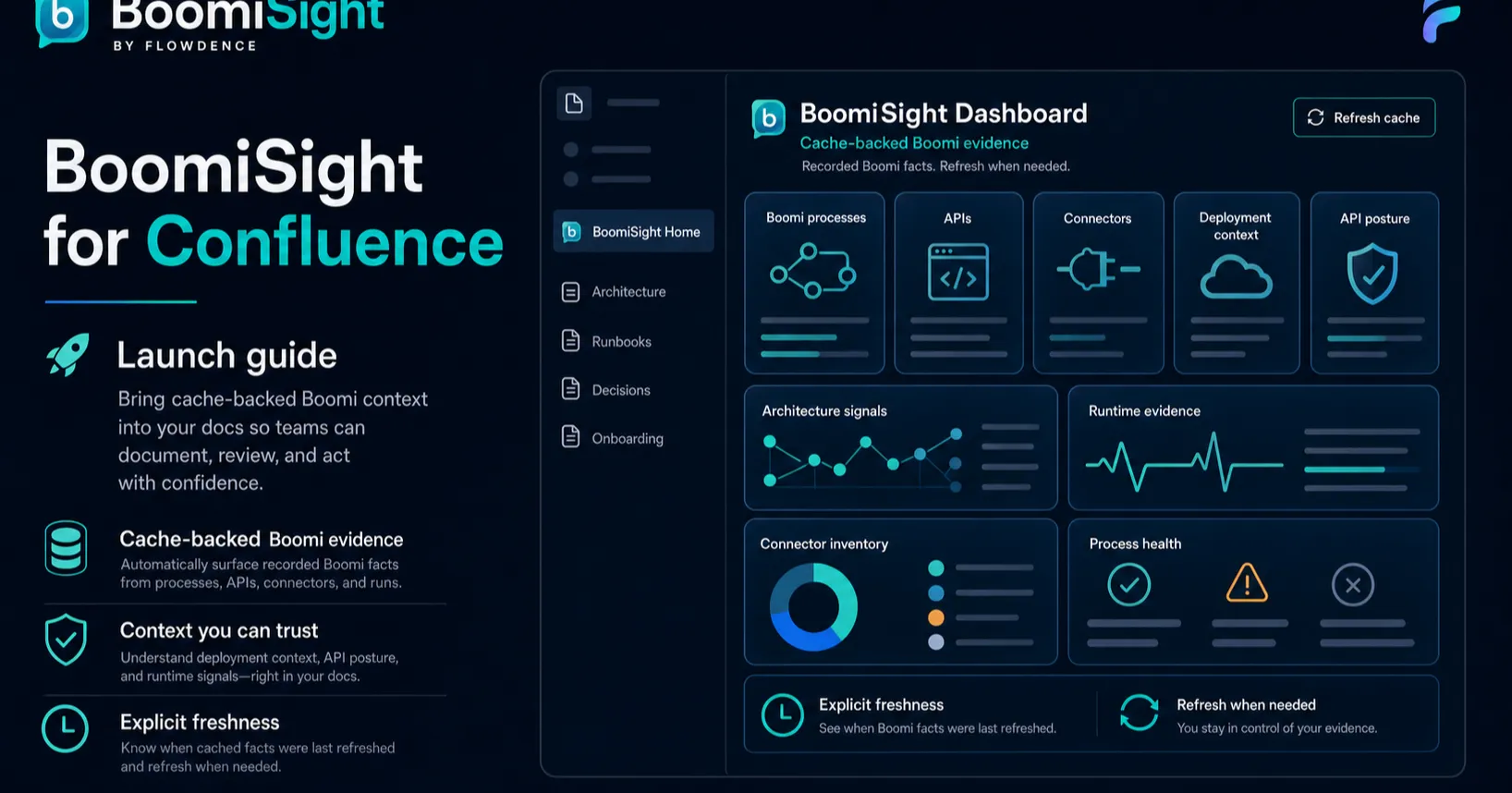
Boomi teams manage critical integration work, but the architecture context often gets scattered. Boomi has the process, runtime, API, connector, and deployment truth. Confluence has the diagrams, runbooks, release notes, support procedures, and audit explanations. The gap between those systems creates stale documentation.
BoomiSight for Confluence is built to close that gap. It brings Boomi process, runtime, deployment, execution, API, connector, and release context into Confluence pages where architects and developers already explain integration work.
This launch guide explains what BoomiSight is for, what to configure first, and how to make the first Confluence page useful without turning the rollout into a large project.
What BoomiSight Does
BoomiSight gives each Confluence space a Boomi-aware documentation layer:
- Space configuration for Boomi account credentials and dataset flags.
- Verify Connection & Access diagnostics.
- Environment Comparison for architecture drift and release review.
- Execution and API context for support work.
- Connector inventory for dependency and blast-radius discussions.
- Macros that embed Boomi context inside architecture docs and runbooks.
- CSV and HTML exports for review packets.
The app is not a replacement for Boomi. It is a documentation and coordination layer for teams that need Boomi context in Confluence architecture pages.
Why Bring Boomi Into Confluence?
Confluence is where many teams write the “why” around integration operations:
- What does this process support?
- Which runtime or environment matters during an incident?
- Which deployment changed before the issue started?
- Which connector might be affected by a credential rotation?
- What evidence belongs in the release review?
If those answers depend on screenshots and stale tables, the architecture page decays. BoomiSight makes the page more resilient by rendering selected Boomi context from a configured connection.
First Setup Path
Start small and prove value in one space.
- Install BoomiSight from the Atlassian Marketplace.
- Open the target Confluence space.
- Configure the Boomi account ID, username, API token, refresh interval, and dataset flags.
- Run Verify Connection & Access.
- Resolve unavailable or limited feature areas before relying on dashboard data.
- Open the Environment Comparison dashboard and confirm the expected environments appear.
- Add one or two macros to a runbook the team already uses.
The first-time space setup guide walks through this path.
What To Put On The First Runbook
Choose a page that already has operational gravity. Good candidates are:
- An integration architecture page.
- A production integration runbook.
- A release review page.
- A support escalation page.
- A connector or credential rotation plan.
- An audit evidence packet.
Add only the context readers need. A strong first page might include an Integration Landscape Summary near the top, one Process Snapshot for the primary process, Environment Comparison evidence for architecture drift, and a connector or API macro where dependencies matter.
Access Diagnostics Matter
BoomiSight intentionally surfaces access readiness before teams rely on a page. Verify Connection & Access helps admins see whether feature areas are available, limited, blocked, or unsupported for the configured Boomi identity.
That is important because empty views are not always product failures. They can mean missing API permissions, disabled dataset flags, or a Boomi tenant that does not expose a specific feature area.
Document the diagnostic state in the rollout page so future admins know which limits are expected and which ones require action.
Next Steps
- Review the BoomiSight documentation.
- Build a first runbook with Boomi operations macros.
- Compare approaches in BoomiSight vs DIY Boomi architecture docs.